Feature

Drag. Drop. Done.

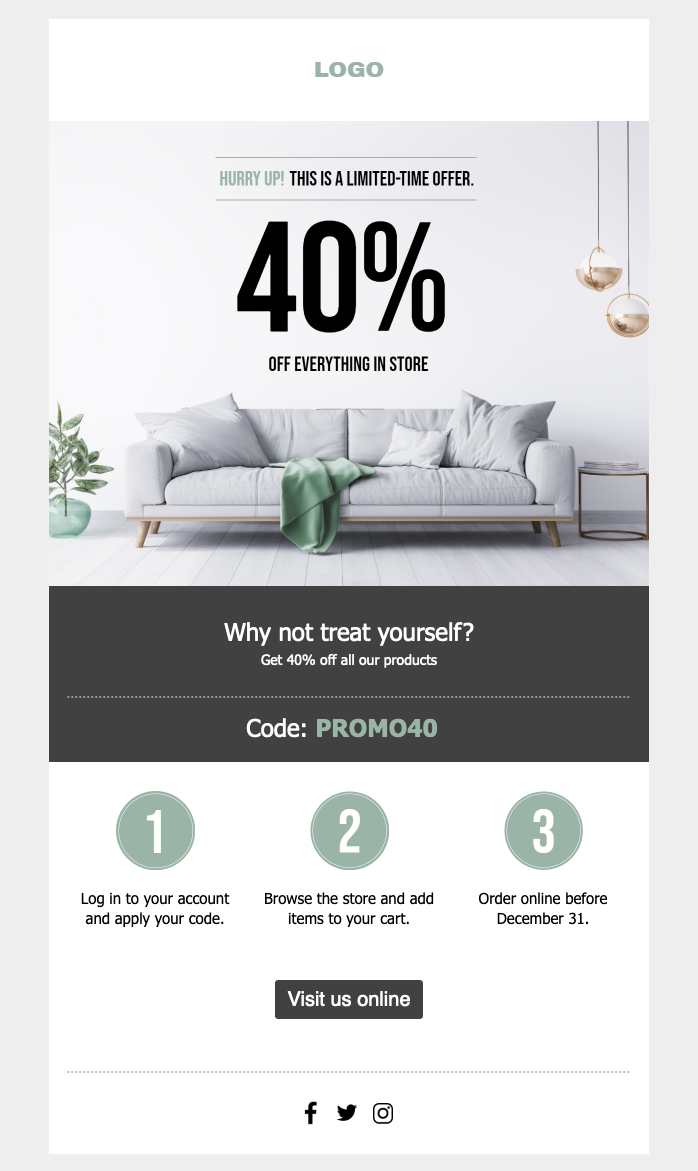
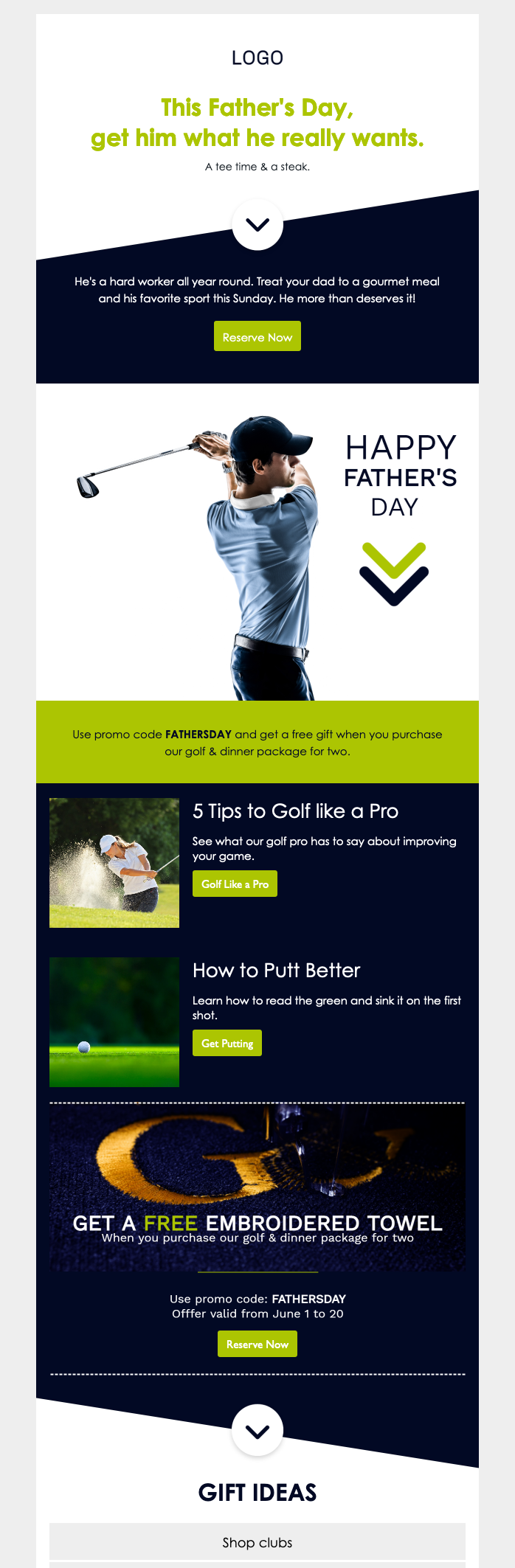
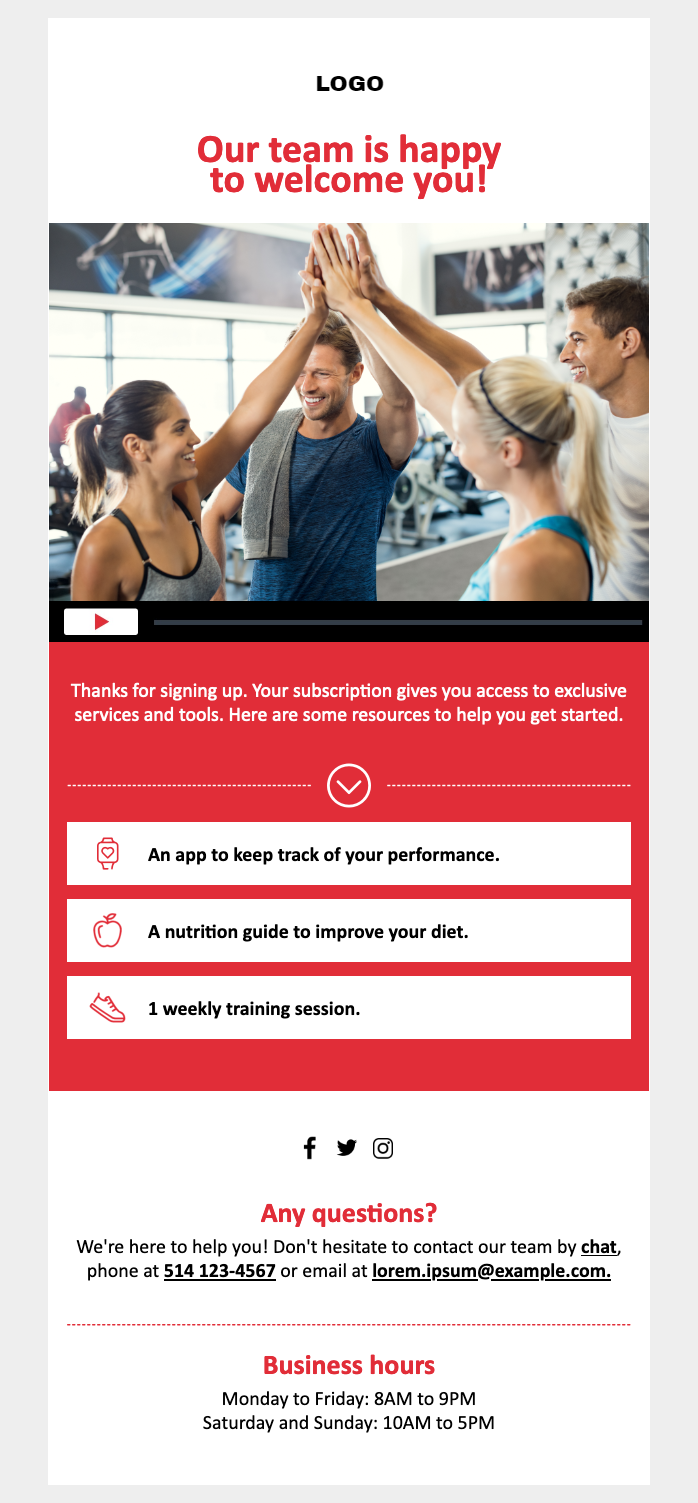
Create professional newsletters that look stunning on any device — with an intuitive drag-and-drop editor that anyone can use.

4.6/5

Beautiful emails, zero coding

Arrange columns, add images, insert buttons, and style every element visually. See exactly what your subscribers will see — in real time.

Drag & drop

Build emails visually

Add text blocks, images, buttons, social links, and dividers by dragging them into place. Rearrange sections with a single click. No HTML required.

  • Drag-and-drop blocks
  • Column layouts
  • No HTML needed
Responsive

Looks great on every device

Every email you build is automatically optimized for mobile, tablet, and desktop. Preview across screen sizes before you send.

  • Mobile-first design
  • Desktop & tablet preview
  • Auto-responsive layouts
Custom HTML

Full control when you need it

Switch to HTML mode for full custom coding. Import existing HTML templates or paste code from your favorite email design tool.

  • Full HTML editor
  • Import existing templates
  • Inline CSS handling

Editor features you'll love

Drag-and-drop builder
  • Text & image blocks
  • Buttons & social links
  • Column layouts
Image editor
  • Crop & resize
  • Filters & adjustments
  • Alt text support
Preview & test
  • Multi-device preview
  • Test sends
  • Spam score check
Templates

Start with a template

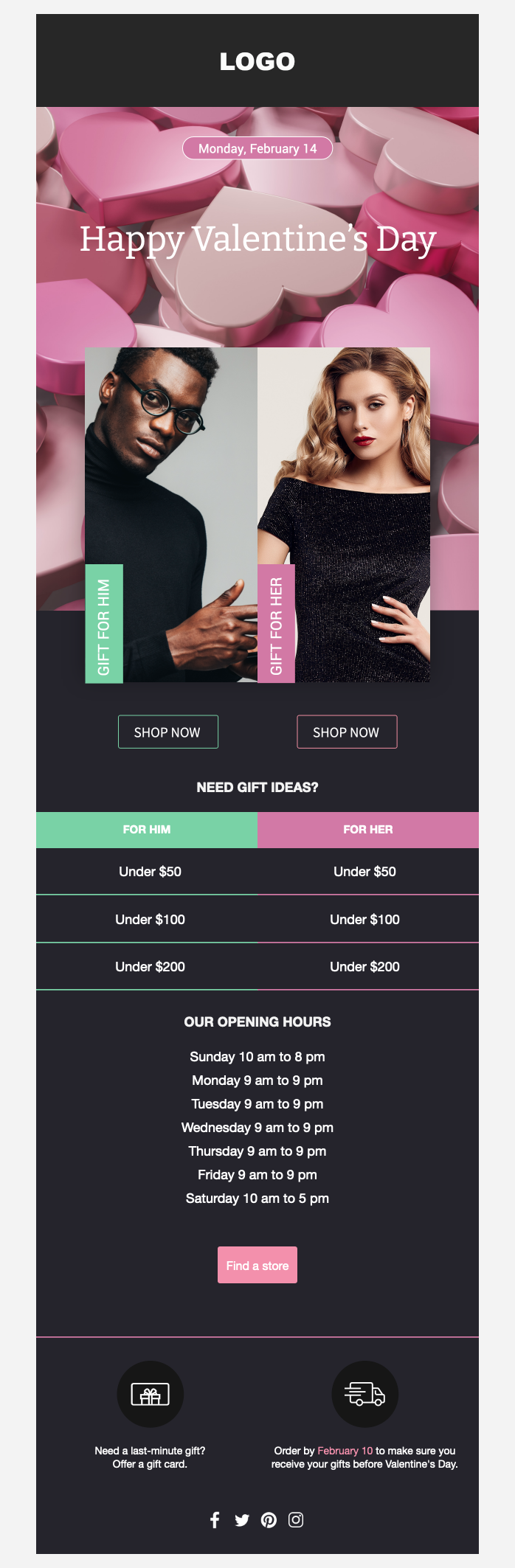
Professionally designed email templates you can customize in minutes.
Ready to get started?

Start for free — no credit card required. Upgrade only when you outgrow it.
From the blog

Related articles