Feature

Edit images without leaving Cyberimpact

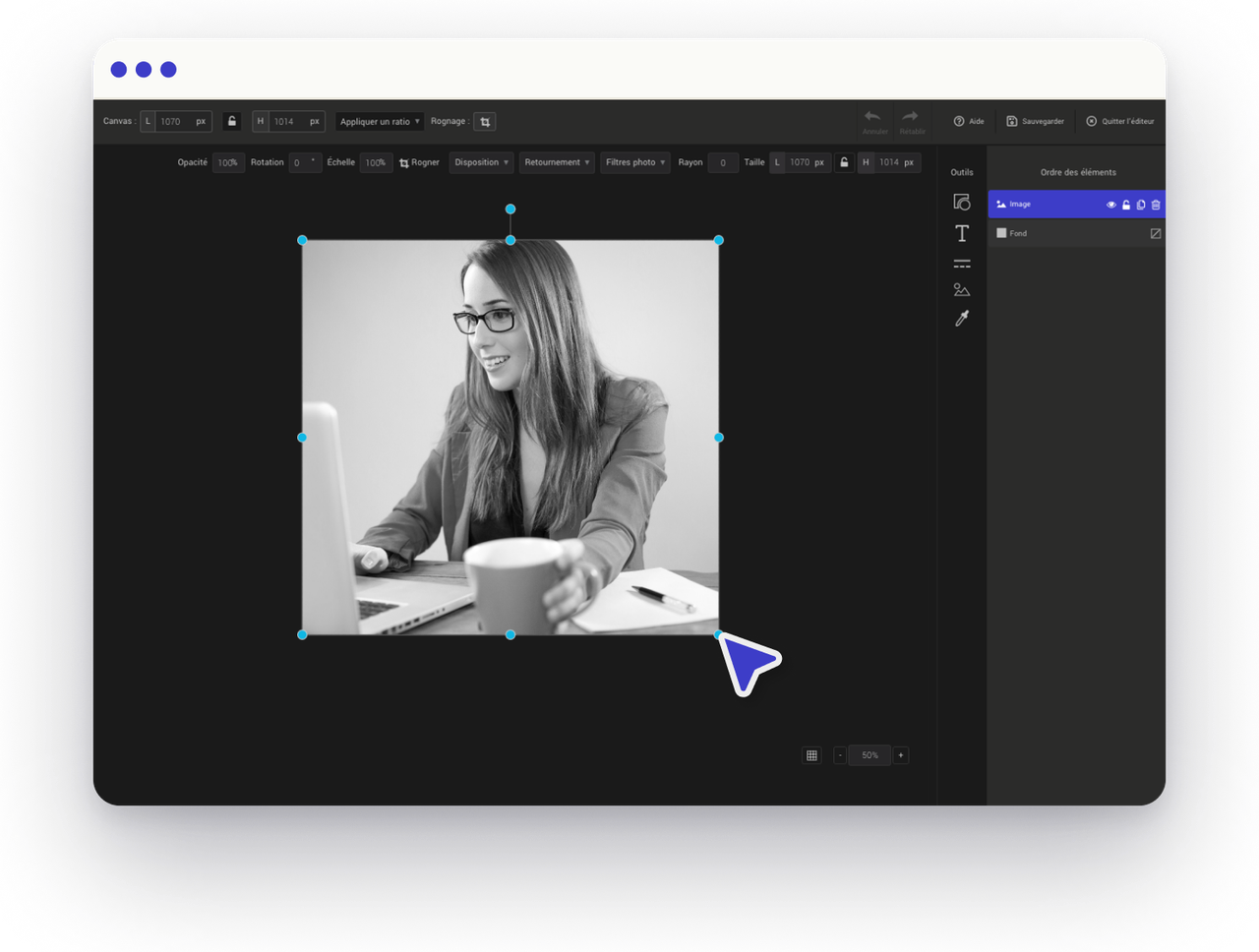
Crop, resize, filter, and fine-tune your images right inside the email editor. No Photoshop, no uploads to a separate tool — just click and edit.

4.6/5

Professional images, zero extra tools

Every image in your email can be cropped, resized, and enhanced with filters — all within the Cyberimpact editor. Keep your workflow in one place.

Crop & resize

Fit any image to any space

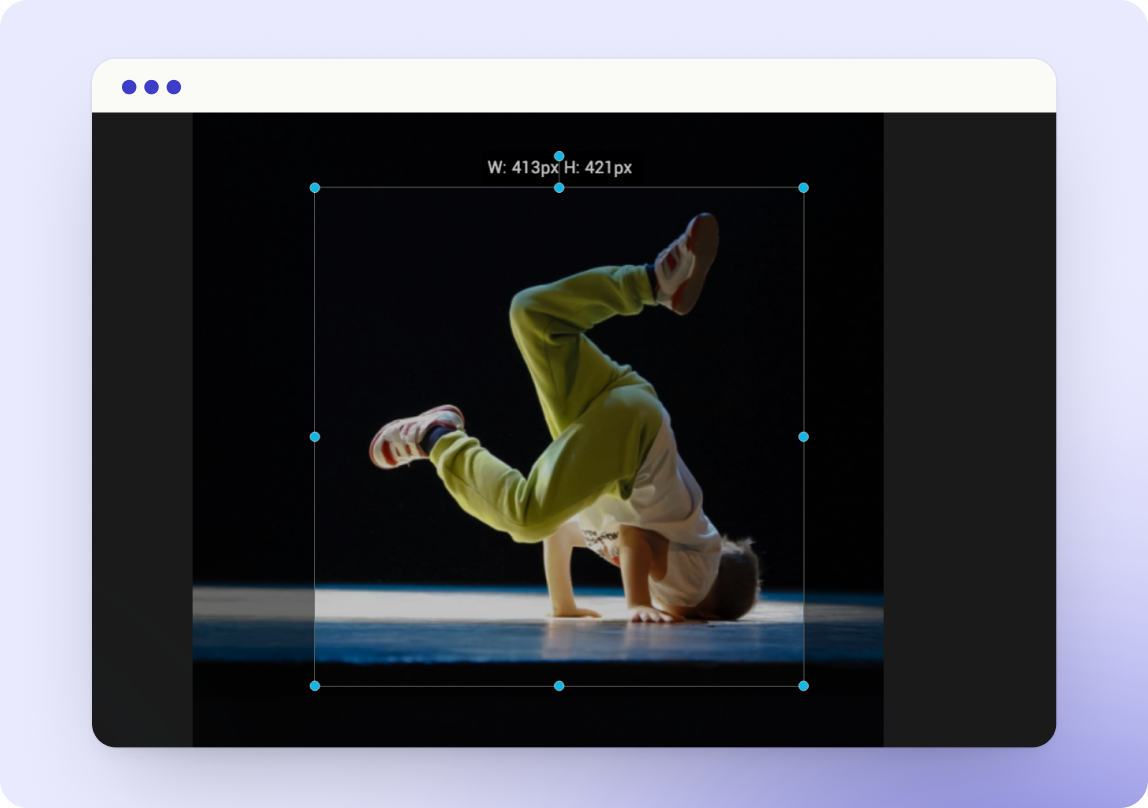
Crop to the perfect aspect ratio and resize for any layout — hero images, thumbnails, or sidebar graphics. All within the editor.

  • Free-form crop
  • Aspect ratio presets
  • Resize without quality loss
Filters

Enhance with one-click filters

Apply professional filters to brighten, sharpen, or stylize your images. Adjust brightness, contrast, and saturation to match your brand.
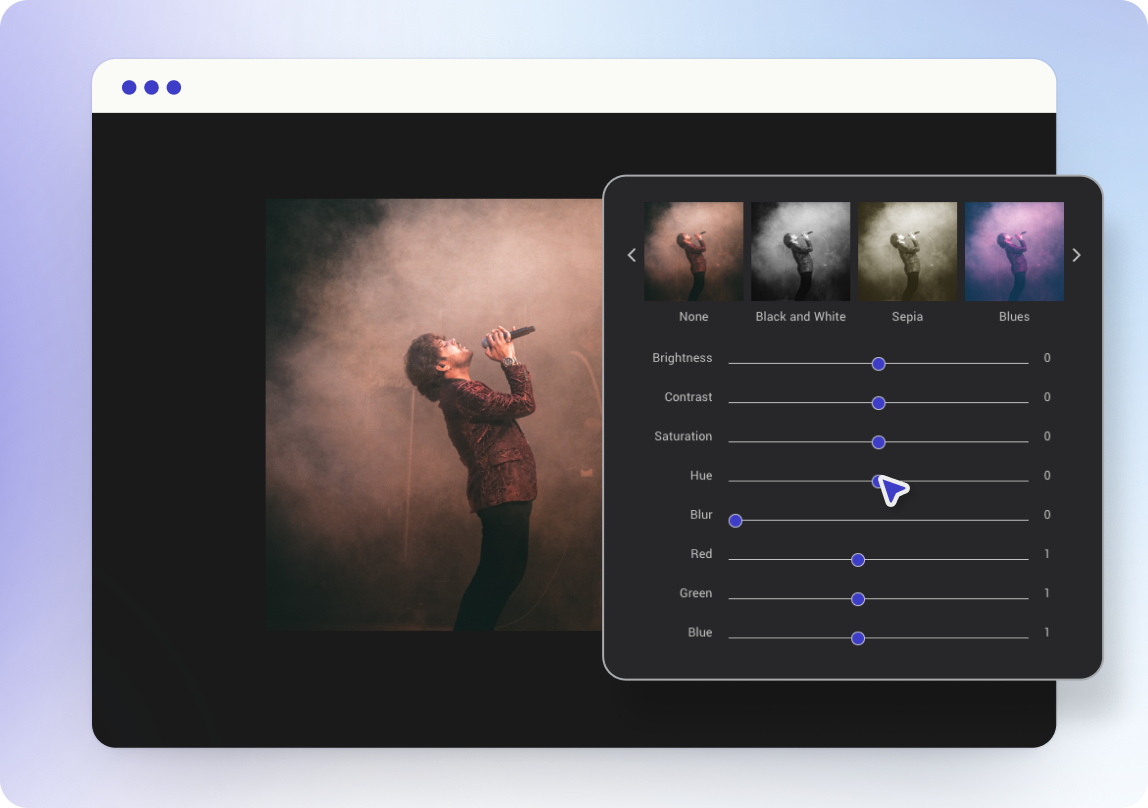
  • One-click filter presets
  • Brightness & contrast
  • Saturation control
Optimized

Images that load fast

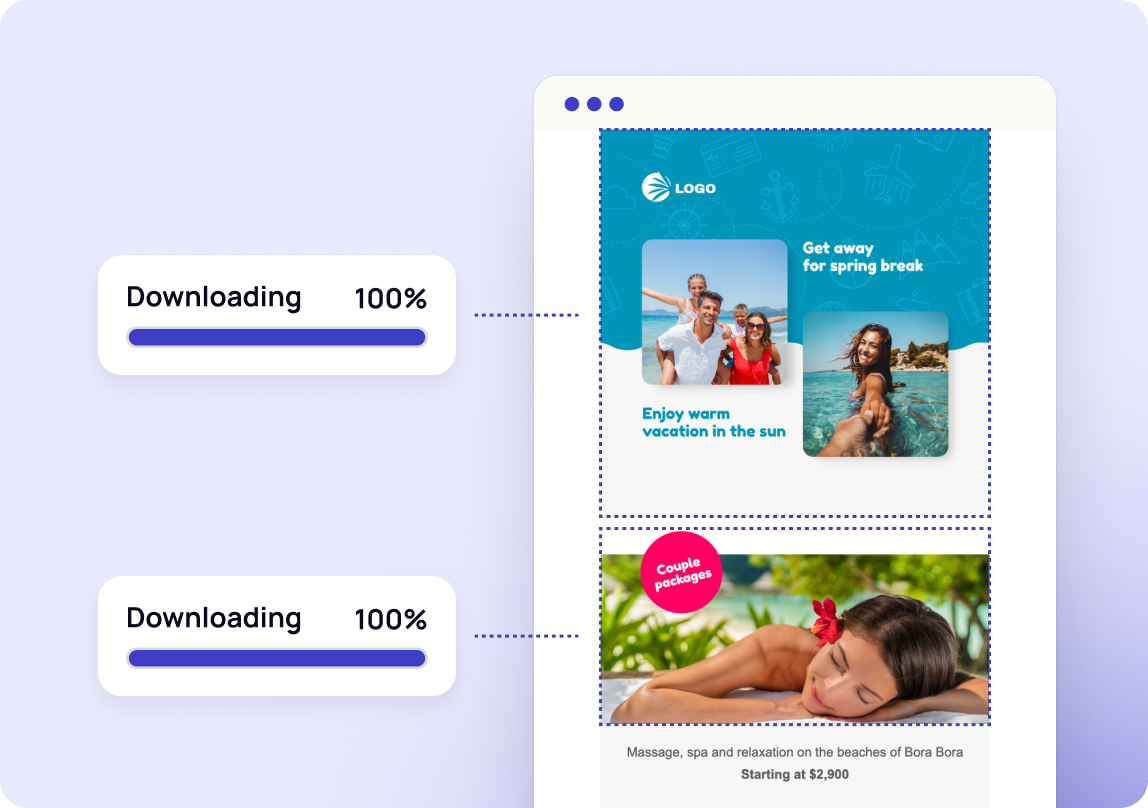
Every image is automatically compressed and optimized for email. Your newsletters load quickly on any connection — without sacrificing quality.

  • Automatic compression
  • Web-optimized formats
  • Fast load times

Editing tools built in

Crop & resize
  • Free-form crop
  • Preset ratios
  • Lossless resize
Filters & adjustments
  • Filter presets
  • Brightness & contrast
  • Saturation
Optimization
  • Auto-compression
  • Fast loading
  • Quality retention
Templates

Start with a template

Professionally designed email templates you can customize in minutes.

Ready to get started?

Start for free — no credit card required. Upgrade only when you outgrow it.
From the blog

Related articles